The Invisible Barista: How the New AI Starbucks App is Quietly Revolutionizing Your Morning.
About New Starbucks App or Starbucks AI Scheduling App, think what if the hardest part of your morning wasn’t the commute, but the stress of whether your coffee would be ready on time?
For years, retail was a game of “hopeful guessing.” Managers looked at paper schedules and prayed they had enough staff for the Tuesday morning rush. But Starbucks has changed the math. By leaning into what they call “Invisible AI,” they are solving the labor puzzle so baristas can get back to what they do best: connecting over coffee.
What is New in the AI Starbucks App?
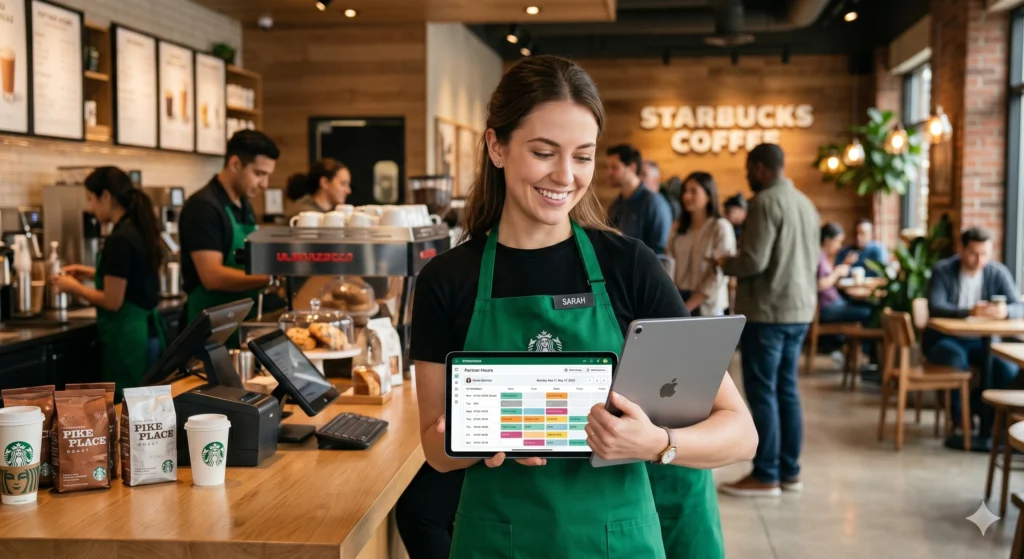
When we talk about the new Starbucks App (BETA) with AI Features, we are actually looking at a dual-sided digital ecosystem. For customers, it’s the gold standard of rewards and mobile ordering. For the “partners” (employees) behind the counter, it’s a sophisticated AI-driven tool powered by a platform called Deep Brew.
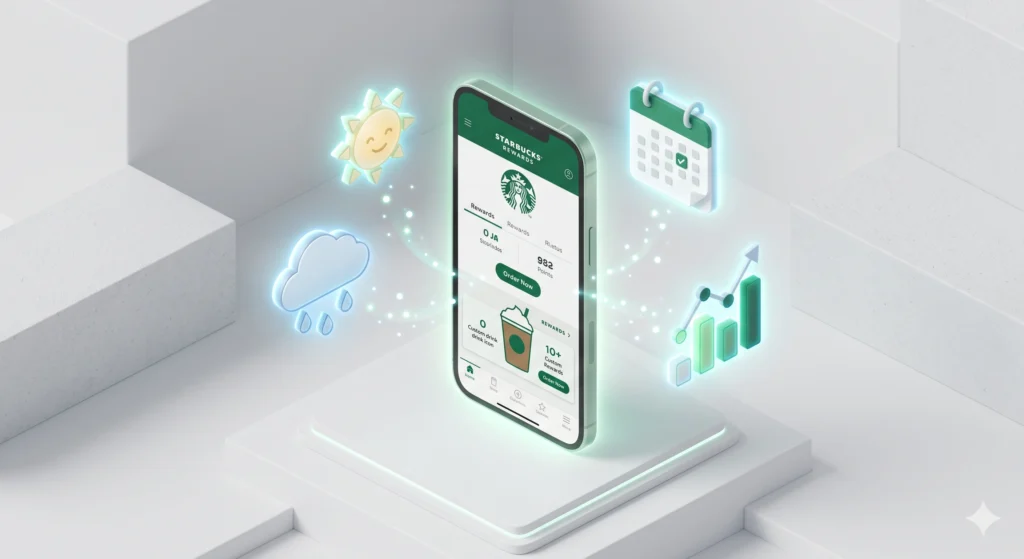
The Starbucks App with AI Features is a digital platform that uses predictive analytics to bridge the gap between customer demand and store operations. It doesn’t just take orders; it forecasts them using weather patterns, local events, and historical sales to ensure the right people are in the right place at the right time
Key Features of the Starbucks App.
The magic isn’t in the buttons; it’s in the data. The app ecosystem handles the logistics that used to cause “barista burnout.”
- Predictive Staffing: The AI analyzes data down to 15-minute increments. If a local concert lets out at 9:00 PM, the app knows to suggest extra coverage.
- Smart Queue Integration: It sequences orders across the café, drive-thru, and mobile channels. This creates a “calm and controlled flow” instead of a chaotic bottleneck.
- Mobile Autonomy: Partners use the Partner Hours app (often accessed via MyPartnerlinks) to swap shifts, claim open hours, and sync their work schedule directly to their personal Apple or Google calendars.
- Automated Inventory: The app now handles “automated counting,” removing manual drudgery from the daily checklist.
Does the starbucks app use AI? How Partners Use the App?
Step 1: Access via Intelligent Hub
Partners log in through Workspace ONE Intelligent Hub, Starbucks’ secure gateway. Once authenticated, the AI Scheduling module appears inside the Partner Hours app.
Step 2: View Your Schedule.
The weekly calendar is color‑coded:
- Green = balanced staffing
- Yellow = moderate surge
- Red = peak demand
Partners can tap a block to see expected order volume, staffing recommendations, and forecasted customer flow.
Step 3: Respond to AI Suggestions
Partners can:
- Accept or decline suggested swaps
- Request additional hours during peaks
- Set preferences (morning/evening shifts)
Step 4: Monitor Performance.
The app tracks punctuality, shift adherence, and customer satisfaction metrics. Partners receive insights like:
- “You perform best during morning rushes.”
- “Your average handoff time is 3.8 minutes.”
Reading the Dashboard.
| Indicator | Meaning | Action |
|---|---|---|
| Green Zone | Balanced staffing | Maintain schedule |
| Yellow Zone | Predicted surge | Prepare for higher volume |
| Red Zone | Peak demand | Request support or adjust breaks |
| Blue Dots | AI‑recommended swap | Review with manager |
| Gray Bars | Off‑duty | Optional availability update |
How to log into AI Scheduling app?
Ever feel like you’re wrestling with technology just to figure out when you’re supposed to be on the bar? We’ve all been there. The good news is that once you get past the login screen, the Starbucks AI scheduling tools are designed to make your life a lot more predictable.
Whether you’re looking to swap a shift or just check your “red zones” for the week, here is the conversational, no-stress way to get inside the app.
The Step-by-Step Path
Start with the Hub
First things first, you need the Workspace ONE Intelligent Hub on your phone. Think of this as your secure front door to everything Starbucks. Without it, you can’t get to the good stuff.
Find Your Partner Hours.
Once you’re inside the Hub, look for the Partner Hours app. This is your central station for schedules, pay, and those hard-earned benefits.
Use Your Credentials.
Log in using your Partner Number as your username. If it’s your first time or you’ve had a “password memory lapse,” don’t sweat it—just use the reset link to get back on track.
Check the Dashboard.
After you’re in, the AI Scheduling module will pop up. It’s pretty intuitive:
Talk Back to the AI.
The app will often suggest shift swaps or better times for breaks based on customer flow. You have the power here accept or decline what works for you, then let the system send it to your manager for the final nod.
Pro-Tips for a Better Experience
- Keep it Fresh: Update the Intelligent Hub regularly. Most “glitches” are just the app needing a quick refresh.
- Clear the Cobwebs: If the screen hangs, try clearing your app cache.
- Don’t Panic: If your Partner Number isn’t being recognized, reach out to Partner Resources. They’ve seen it all and can get you sorted quickly.
The Bottom Line: Get into the Hub, open Partner Hours, and let the data help you find your rhythm. It’s about working smarter, not just harder.
How the Starbucks App Improves Customer Experience.
We’ve all been there: you walk into a coffee shop, see a line out the door, and walk right back out. The Starbucks App is designed to kill that friction.
Faster, More Consistent Service.
Because the AI schedules more staff during “red zones” (peak demand), wait times drop. You get your latte faster because the baristas aren’t understaffed and overwhelmed.
Digital Personalization.
The same “Deep Brew” engine that schedules staff also learns your preferences. It recommends drinks based on the time of day and even the local weather—suggesting a Nitro Cold Brew on a 90°F day before you even know you want one.
Human Connection.
Technology should do its job quietly. By automating the “logistics,” the app frees up the human beings behind the bar to actually talk to you. The goal is for the tech to empower the “human connection,” not replace it.
Business Impact: Efficiency, Revenue, and Loyalty.
From a business perspective, the Starbucks App is a masterclass in operational excellence.
- Cost Control: The algorithm ensures labor budgets are strictly adhered to, preventing overstaffing during slow periods.
- Reduced Turnover: Currently, 85% of partners receive their preferred working hours. When employees have predictable schedules and autonomy over their time, they stay longer.
- Revenue Growth: Digital ordering and AI-driven rewards have turned the app into a massive revenue engine, making it easier for customers to spend and earn rewards simultaneously.
Lessons Businesses Can Learn from Starbucks.
You don’t need to be a global coffee giant to learn from this model.
- Data is Your Best Manager: Stop guessing. Use historical data to predict when your “rushes” will happen.
- Transparency Wins: Giving employees mobile access to their schedules 21 days in advance builds trust.
- Integrate Everything: Don’t let your scheduling app live in a vacuum. Connect it to your POS, your inventory, and your payroll
The Future: Where is the Tech Going?
The next phase of the Starbucks App involves even less “manual” work. We are looking at a future where voice-activated assistance helps baristas manage tasks and predictive inventory alerts are tied directly to staffing.
The future of retail apps is empathetic AI. It’s not just about efficiency; it’s about using data to make the digital experience feel more human. We’ll see apps that don’t just tell you when to work, but tell you when you’re most likely to succeed based on your past performance.
Practical Takeaways for Using Retail AI.
- Download the Hub: If you’re a partner, ensure you’re using the WorkJam app or the latest Partner Hours dashboard for real-time updates.
- Update Preferences: AI is only as good as the data you give it. Set your “preferred hours” in Partner Central to get the shifts you actually want.
- Sync Your Life: Use the calendar integration feature to avoid shift conflicts with your personal life.
FAQ: Starbucks App & Partner Tech
What is the Starbucks App?
The Starbucks App is a mobile platform that allows customers to order drinks, pay digitally, earn rewards, and receive personalized offers.
Is the Starbucks App free to use?
Yes, the Starbucks App is completely free to download and use on both Android and iOS devices.
How does mobile ordering work on the Starbucks App?
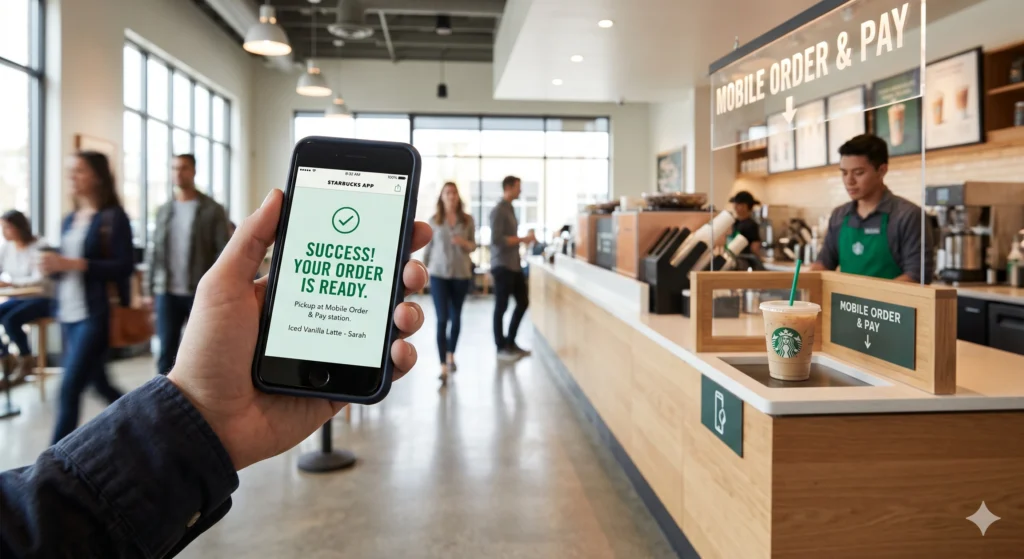
You select your drink, customize it, choose a nearby store, and pick up your order without waiting in line.
What is Starbucks Deep Brew AI?
Deep Brew is Starbucks’ AI system that powers personalized recommendations, inventory management, and workforce scheduling.
How do Starbucks employees check their schedule?
Employees can log in to the partner portal or use the Partner Hours app with their Global Username.
Why is the Starbucks App not working?
Common issues include poor internet connection, outdated app version, or login errors.
Is the Starbucks App safe to use?
Yes, it uses secure encryption and authentication methods to protect user data and payments.