Starbucks My Partner Link (MyPartnerLink). A newly established centralized web directory
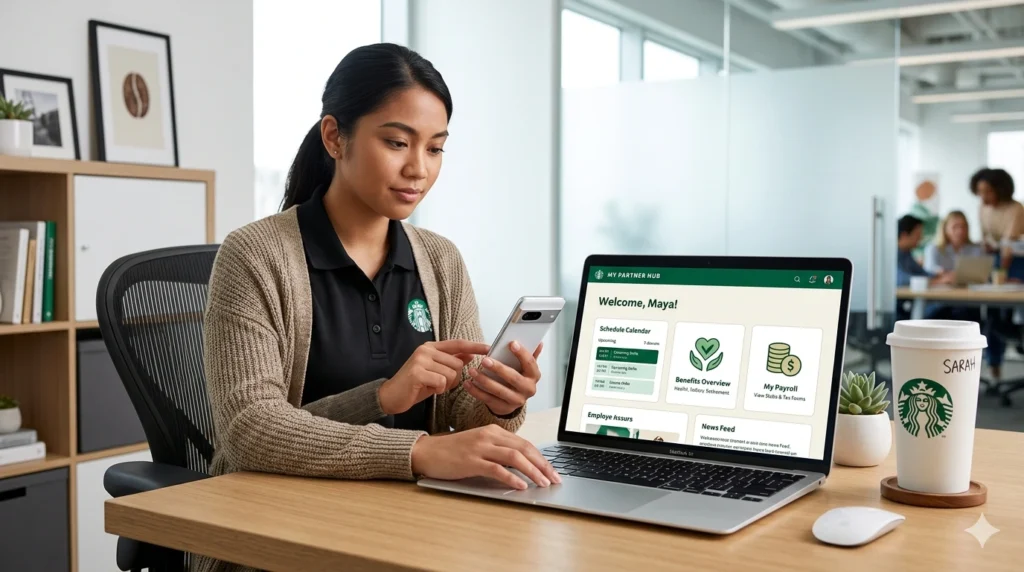
My Partner Links or MyPartnerLinks some times called My Partner Info as well is the newly established centralized web directory designed to serve as a comprehensive “one-stop shop” for every digital resource a Starbucks employee might need.
As of 2026, WorkJam has been discontinued and is no longer a supported platform for Starbucks partners. It has been replaced by a combination of more specialized systems and a centralized directory.
The Primary Replacements
Depending on what you previously used WorkJam for, you will now use one of the following:
For Scheduling & Shift Management: Use the Starbucks Partner Hours app (sometimes called the Sbux Partner app). This app serves as the mobile front-end for viewing schedules, swapping shifts, requesting time off, and managing availability.
For Pay Statements & Benefits: Access Partner Central (partnercentral.starbucks.com). This is where you now go to view pay stubs, manage benefits, and check your personal profile information.
For All-In-One Access: The new centralized directory is My Partner Links (mypartnerlinks.starbucks.com). It provides one-click links to Partner Hours, Partner Central, and other internal resources.
Following the discontinuation of legacy platforms like WorkJam in 2026, this my partner link hub has become the primary starting point for navigating the Starbucks internal landscape, providing direct links to “literally everything” related to your employment.
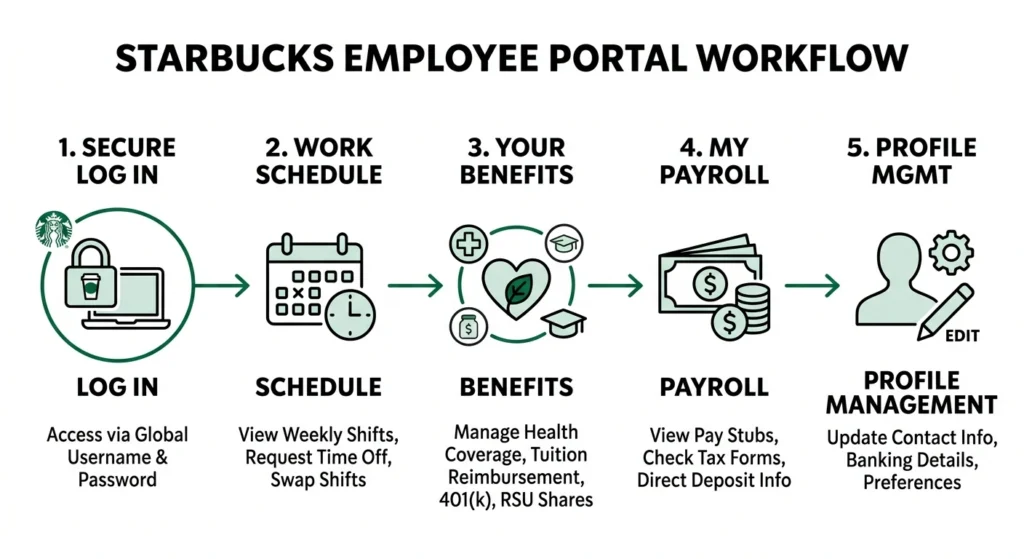
Through this single portal, you can easily navigate to several key platforms:
- Partner Central: Used for accessing your global partner profile, viewing detailed pay statements, managing tax information, and finding your 16-digit Partner Card details to link your discount to the customer app.
- Partner Hours: The system used to view your work schedule, request time off, and participate in shift swaps with other team members.
- Benefits & Rewards: A complete overview of your health insurance, 401(k) plans, and newer 2026 incentives like the Back to Starbucks Partner Reward.
Because it is a web-based portal rather than a standalone mobile app, it ensures that all partners have reliable access to their information using any device with an internet connection, including personal computers or app store iPads, without the need to download extensive enterprise software to a personal phone.
Is my partner link has mobile application?
No, My Partner Links is not a standalone mobile application; it is a centralized website designed to act as a directory for all other Starbucks resources.
How to login mypartnerlinks.starbucks.com?
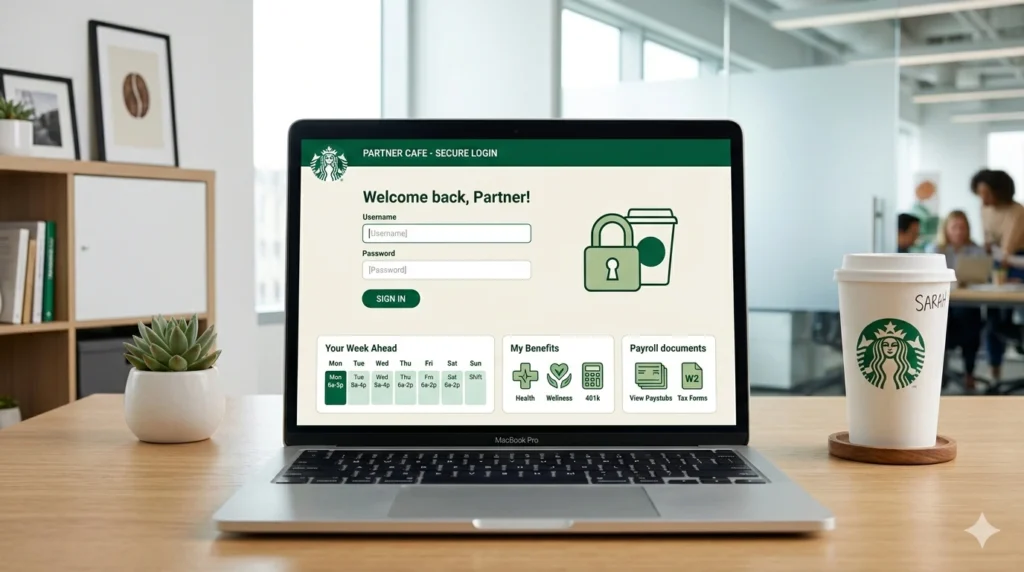
To access mypartnerlinks.starbucks.com, follow these steps:
- Open a Web Browser: Use any web browser on your personal computer, mobile device, or a store iPad or back-of-house computer.
- Enter the URL: Type mypartnerlinks.starbucks.com into the address bar.
- Log In: Enter your unique partner credentials when prompted. This typically includes your global partner number as your username and your unique, case-sensitive password.
- Troubleshooting: If you experience difficulty logging in or the page does not load correctly, try using a different web browser (such as switching from Safari to Chrome).
- Navigate Resources: Once logged in, you can find various company tools under the “Partner Resources” tab, including a direct link to Partner Central for viewing pay statements and benefits.
This site serves as a centralized hub that provides access to “literally everything” you need as an employee, including your schedule, benefits, and administrative records.
Why do partner need mypartnerlinks.starbucks.com?
Starbucks partners need mypartnerlinks.starbucks.com because it serves as a centralized, “one-stop shop” web directory that provides access to literally every digital resource required for their employment.
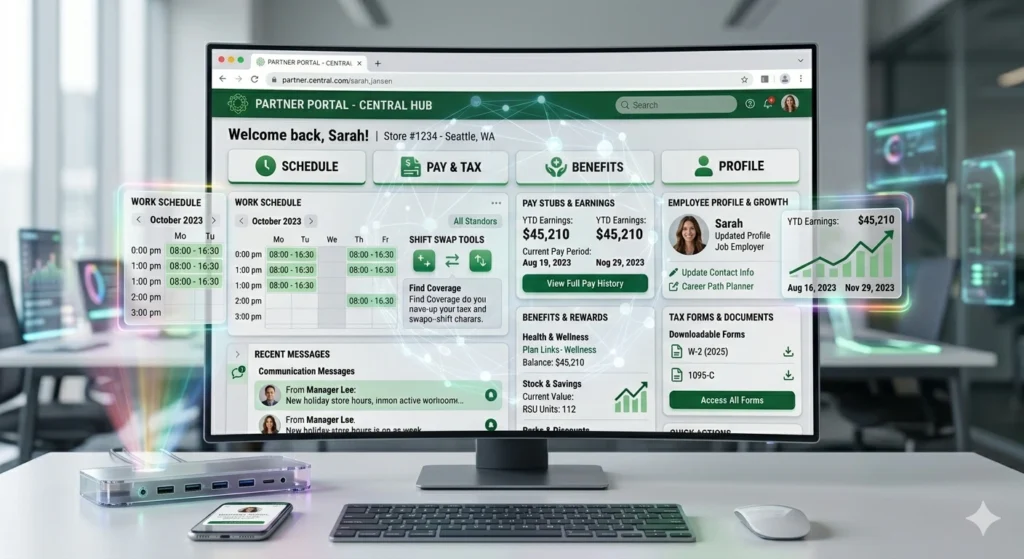
This site is particularly critical due to the following reasons:
- Accessing Partner Central: Partners must use Subx partner hub to navigate to Partner Central, which is the primary portal for administrative and financial tasks. Within Partner Central, employees can:
- View Pay Statements: Since the WorkJam app has been discontinued, this is the official way to view pay stubs and tax information.
- Manage Financials: Partners use this to change direct deposit information.
- Track Benefits: It is the place to view vacation hour balances and manage health or education benefits.
- Retrieve Partner Card Details: Partners go here to find their 16-digit Partner Card number and 8-digit security code (PIN), which are required to link their employee discount to the Starbucks customer app.
- Schedule Management: While many partners use the mobile app, the site provides a reliable web-based link to Teamworks (or the Starbucks Partner Hours portal) for viewing work schedules, swapping shifts, and requesting time off. This is especially useful for partners who do not wish to download work apps onto their personal smartphones.
- Replacing Discontinued Tools: As of 2026, the WorkJam app is no longer supported for accessing pay statements and benefits. My Partner Links serves as the necessary replacement, ensuring employees can still reach their vital information through a standard web browser.
- Technical Reliability: Partners often find official apps or direct links to be glitchy or difficult to find. Having this single, saved URL allows them to bypass technical errors or “login difficulties” by providing a stable jumping-off point for all other company platforms.
Do we need any other application after mypartnerlinks.starbucks.com?
Whether you need other applications after using mypartnerlinks.starbucks.com depends on if you are performing administrative tasks or daily schedule management, and whether you choose to use your personal mobile device.
My Partner Links: The Central Hub
My Partner Links (mypartnerlinks.starbucks.com) is a centralized web directory designed to take you to “literally everything” you need as an employee. It is not a downloadable app but a web portal that provides links to other systems like Partner Central and the scheduling portal.
Partner Central: Administrative Web Portal
Partner Central (partnercentral.starbucks.com) is also a website, not a separate app you download from an app store. You access it through your browser (often via a link on the My Partner Links page) to manage your official employment records. You need this portal for: Visit Partner Central For Details.
Starbucks Partner Hours: The Mobile App
The Starbucks Partner Hours app (also called the Sbux Partner app or Partner Hub app) is an actual mobile application available on the iOS App Store and Google Play Store. Visit Partner Hours for Details.
Purpose: It is used for daily operational tasks like viewing your work schedule, swapping shifts, requesting time off, and messaging your team or supervisors.
Is it required? No. Using work-related apps on your personal phone is 100% optional. All scheduling and availability tasks can be completed on store iPads or back-of-house computers. You can also access a web version of the schedule directly via starbucks-wfmr.jdadelivers.com/retail.
Other Applications You Might Use:
- Intelligent Hub (Workspace ONE): On iPhones, this is often the first app you must download to then install other internal Starbucks apps like the “App Cafe”.
- Authenticate App: Some partners note this is needed for two-factor authentication during the setup of work apps.
- Starbucks (Customer) App: While meant for customers, partners use this to link their Partner Card to earn 3 Stars per $1 and scan for their discount in-store.
Note: The WorkJam app is discontinued and should no longer be used for accessing pay statements or benefits.
How to migrate from WorkJam to Partner Hours app
Migrating from WorkJam to Partner Hours is usually a re-enrollment and access switch, not a simple in-app import. In practice, partners need to use the Starbucks-provided setup flow for the new Partner Hours access, then sign in with their partner credentials once the old WorkJam path is no longer the active route.
What the migration usually involves?
- Confirm which store type you are in.
Corporate stores appear to be moving to the Partner Hours experience, while some licensed locations may still use a different workflow such as Teamworks or Intelligent Hub-based access. - Get the new access path from the store or partner hub.
Partners have reported finding the installation guide on the partner hub, and some say the partner links are functional as well. - Install the required gateway app if prompted.
Several guides indicate the new setup may start with Intelligent Hub or another enrollment step before the Partner Hours app appears. - Enroll the device.
The setup usually asks for partner credentials, and in some flows a QR code, Group ID, or company-specific enrollment step is required. - Let Partner Hours install.
After enrollment, the app may appear automatically in the background. - Sign in with your partner credentials.
Use the Starbucks-issued username/password or the login format your store gives you.
What to expect during the switch
- our schedule access should move to Partner Hours once enrollment is complete.
- Old WorkJam access may stop working once the store has fully switched over.
- If the app does not appear right away, restarting the phone is a common fix mentioned in setup guides.
How to Oversight Benefits through my partner link?
To perform benefits oversight through My Partner Link, you must use the website as a directory to navigate to Partner Central, which is the official portal for managing your employment records, financial data, and benefits.
Steps to Access Benefits via My Partner Link.
- Access the Hub: Navigate to mypartnerlinks.starbucks.com using a web browser on any device with internet access.
- Navigate to Resources: On the home page, locate and select the “Partner Resources” tab.
- Enter Partner Central: Select the option for “Partner Central” from the menu.
- Log In: Enter your unique global partner number and your case-sensitive password. (If you need to reset your password, you can do so at cloudid.starbucks.com).
What Benefits Oversight Tasks Can You Perform?
Once you are inside Partner Central, you can oversee several critical aspects of your benefits and compensation:
- Pay and Taxes: You can view your detailed pay statements (stubs) and manage your tax information.
- Health and Financial Benefits: This is the primary site for managing health insurance (medical, dental, vision), life insurance, and retirement plans like the Future Roast 401(k).
- Time Off Tracking: You can check your accrued vacation hour balances and sick time.
- Education Benefits: Access information and enrollment for the Starbucks College Achievement Plan (SCAP), which offers 100% upfront tuition coverage.
- Partner Card Details: You can find your 16-digit Partner Card number and 8-digit security PIN to link your employee discount to the Starbucks customer app.
Important Reminders
- WorkJam Discontinued: The WorkJam app is no longer supported for accessing benefits or pay statements.
- Eligibility: Most industry-leading benefits, including healthcare and tuition coverage, are available to partners who work an average of 20 hours per week.
- App vs. Web: While the Starbucks Partner Hours app allows you to monitor total worked hours, full benefits oversight and detailed financial records must be managed through the Partner Central website.
How do I check my Starbucks pay stub in my partner links ?
o check your Starbucks pay stub through the My Partner Links directory, follow these steps to navigate to the correct payroll portal:
- Access the Directory
- Go to mypartnerlinks.starbucks.com.
- Log in using your Global Username (e.g., US followed by your partner number) and your case-sensitive password.
- Navigate to Partner Central
- Once logged in to the directory, locate and click on the “Partner Resources” tab.
- Select “Partner Central” from the options provided. This platform has replaced older systems like WorkJam for viewing pay and benefits.
- Find Pay Information
- Inside Partner Central, look for the “Pay Information” tab.
- On this tab, you will find a direct link to ADP Pay Statements. This is where your official pay stubs, including tax forms and pay history, are stored.
Important Tips for 2026
- System Transition: As of 2026, most hourly retail partners no longer use “MyPartnerInfo” (MPI) for pay tracking; instead, all pay-related data has migrated to the Partner Central portal.
- Weekly Pay: Starting in August 2026, all U.S. partners will transition to weekly pay, so your pay stubs will populate in the portal more frequently.
- Mobile Access: While you can use the web portal via Partner Links, you can also monitor pay summaries and total worked hours through the Starbucks Partner Hours app.
- Troubleshooting: If the site fails to load or you encounter errors, partners recommend trying a different web browser on your device.
How to Check weekly schedule through my partner link?
you can check your weekly schedule by starting at My Partner Links (mypartnerlinks.starbucks.com), as it is a centralized directory that provides links to “literally everything” you need as an employee,.
However, it is important to note that My Partner Links itself is a directory, not the scheduling software. When you use it to check your schedule, it will redirect you to the actual scheduling platform, often referred to as Partner Hours or Teamworks,.
Ways to View Your Schedule
- Via the Hub: Log into mypartnerlinks.starbucks.com and look for the link to your schedule or “Partner Hours”,.
- Direct Web Portal: You can bypass the hub and go directly to the scheduling site at partner.starbucks.com or the retail portal .
- Mobile App: The Starbucks Partner Hours app (available on iOS and Android) is specifically designed for this purpose and provides a four-week preview of your upcoming shifts,.
Because WorkJam has been discontinued, these web portals and the Partner Hours app are the official ways to manage your schedule in 2026,. If you are accessing these from a personal device, ensure you have a strong internet connection, and if you encounter glitches, partners recommend trying a different web browser.
Frequently Asked Questions About My Partner Link
My Partner Link is Starbucks’ centralized employee resource hub that gives partners quick access to schedules, benefits, payroll, and other important work-related tools.
You can access it through the official Starbucks employee portal using your partner credentials and secure login details.
Yes, My Partner Link provides direct access to schedule-related tools and employee resources for viewing upcoming shifts.
Yes, partners can access payroll information, benefits, tax forms, and profile-related resources from the portal.
Yes, it is mobile-friendly and can be accessed through a smartphone browser for quick on-the-go access.