
Starbucks Partner Hours Teamworks
Starbucks Partner Hours Teamworks Overview
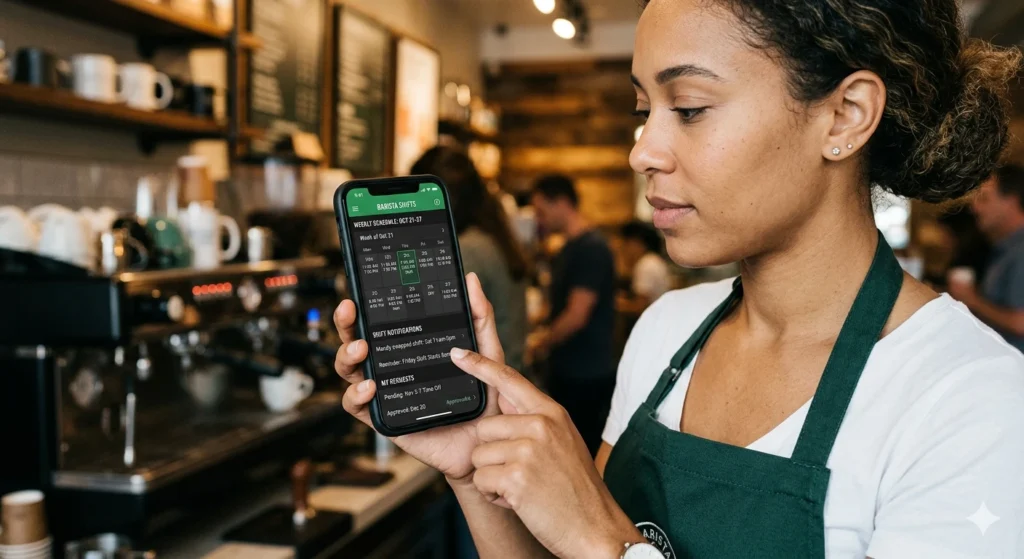
Teamworks and the Starbucks Partner Hours app (often referred to as the Sbux Partner app or Partner Hub app) are the primary tools used by employees of Starbucks to manage their work schedules and communicate with their teams. While “Teamworks” often refers to the web-based portal, the “Partner Hours app” is the official mobile application designed for personal devices.
Core Features and Functions
Both the app and the web portal allow you to perform essential daily tasks:
- Schedule Management: You can view a four-week preview of your upcoming shifts, including the specific time, date, and location.
- Shift Swapping: The system facilitates exchanging shifts with coworkers or giving up shifts to others.
- Time-Off Requests: You can submit and track the status of time-off requests directly through the interface.
- Availability: Partners use these tools to maintain and update their work availability.
- Communication: The app features a messaging tool to talk with supervisors or other team members.
- Monitoring Hours: You can monitor your total worked hours which eventually reflect on your pay stubs.
TeamWorks Vs. Partner Hours App
Teamworks and the Starbucks Partner Hours app (often called the SBUX Partner app) refer to the same underlying system used for employee scheduling and communication, but they are typically distinguished by how they are accessed and their specific features.
Access and Format
- Starbucks Partner Hours App: This is a dedicated mobile application available for download on iOS and Android devices. It is designed specifically for employees to manage their work lives on the go from their personal smartphones.
- Teamworks: This term is frequently used to refer to the web-based portal that partners can access through a browser on any device with internet, such as a home computer or a store iPad. It replaced older scheduling systems like GLS.
Key Functional Differences:
| Feature | Partner Hours App | Teamworks (Web Portal) |
| Primary Use | Mobile schedule management and quick communication | Official medium for detailed availability and time-off requests |
| Messaging | Includes a “messages” feature to talk directly to supervisors and other partners | Focuses primarily on the scheduling interface and self-service tools. |
| Schedule View | Provides a four-week preview of upcoming shifts. | Often accessed via specific retail portal links (e.g., starbucks-wfmr.jdadelivers.com/retail) to view the master schedule |
| Ease of Use | Generally considered a “handy” mobile solution, though some partners find it “buggy” or inconsistent | Viewed as a reliable alternative if the app fails or if a partner prefers not to have work apps on their personal phone. |
How to Access the System
Depending on your preference, you can access these tools in several ways:
- Mobile App: Available for Android via the Play Store and iOS via the App Store. On iPhones, installation often requires first downloading the Intelligent Hub app to access internal enterprise tools.
- Web Portal: If you do not want to download an app, you can use the web version at partner.starbucks.com or https://starbucks-wfmr.jdadelivers.com/retail.
- Store Devices: Accessing these apps on a personal phone is 100% optional. All scheduling tasks can be completed using store iPads or back-of-house computers.
Login Requirements
To log in, you will need:
- Username: Your unique global partner number.
- Password: Your unique partner password, which is case-sensitive. If you forget your password, you can reset it at cloudid.starbucks.com.
For the modern barista, the green apron represents more than just craft coffee; it is an entry into a sophisticated digital ecosystem designed to balance operational efficiency with personal flexibility. Navigating the starbucks partner hours Teamworks platform is a fundamental skill for every partner, from new hires to seasoned shift supervisors.
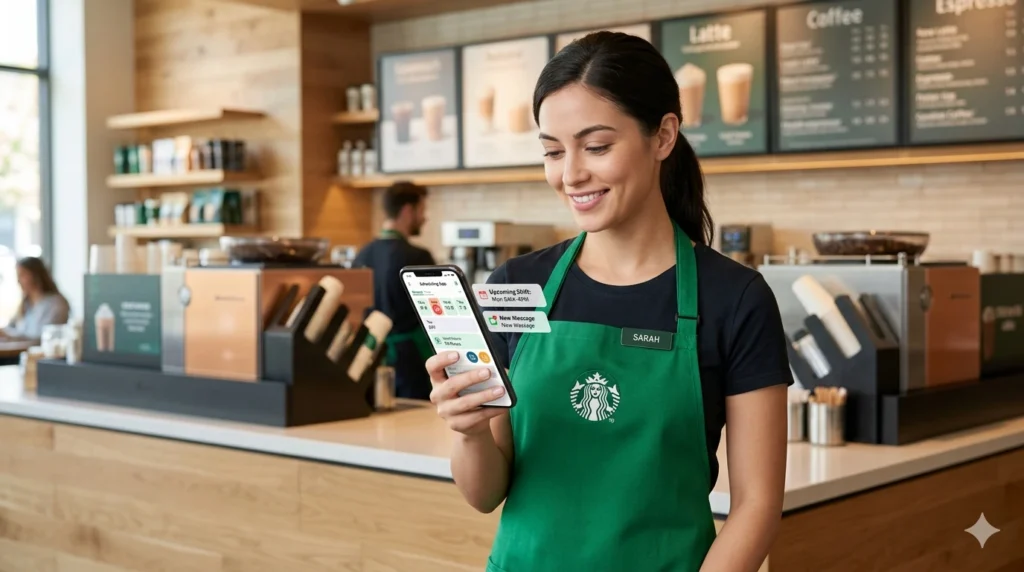
This platform serves as the central nervous system for store operations, allowing partners to view their schedules, swap shifts with coworkers, and claim open hours in a matter of seconds. By integrating advanced technology into the daily workflow, Starbucks aims to streamline the “Partner Experience,” ensuring that those on the front lines can focus on the mission of nurturing the human spirit while maintaining control over their own work-life balance.
What Is Starbucks Partner Hours Teamworks?
At its core, starbucks partner hours Teamworks is a comprehensive workforce management solution that combines scheduling, time tracking, and communication into a single interface. While many partners use the terms “Partner Hours” and “Teamworks” interchangeably, they represent two sides of the same coin:
Teamworks is the foundational store-management software used by leadership to forecast labor needs, while the Partner Hours app (often accessed via the WorkJam platform) is the user-facing tool for employees.
The platform was born out of a strategic shift toward digital transformation, leveraging AI-driven insights to predict customer traffic and suggest optimal staffing levels. This system is critical for managing the complex “14-step preparation process” required for many handcrafted beverages, ensuring that stores are adequately staffed during the intense morning peak.
By utilizing the Microsoft Azure cloud framework, the system can process data from millions of transactions to help store managers avoid the “efficiency crisis” that often occurs when demand outstrips available labor.
How to Access Starbucks Partner Hours Teamworks.
Accessing the portal requires a secure connection to the Starbucks internal network or the use of approved mobile platforms. Security is a high priority for the company, as seen in their $4,000 bug bounty programs and robust database protections.
Login from Mobile
The most common way to access your schedule on the go is through the Partner Hours mobile app. Most current partners are directed to download the Starbucks Partner Hours app from the Apple App Store or Google Play Store. Once downloaded, you must enter your Starbucks Global Username—which typically consists of your country code followed by your partner ID (e.g., US1234567)—and your secure password.
To ensure the app is configured correctly, partners often need to scan a specific QR code provided in-store during their onboarding process.
Login from Desktop
For those who prefer a larger screen or need to manage more complex tasks like viewing detailed pay stubs or updating tax information, the desktop portal is the preferred choice. Partners can visit the official Partner Hub or Partner Central websites at partnercentral.starbucks.com. This portal uses a Single Sign-On (SSO) system, meaning your login credentials for the desktop site are identical to those used on the mobile app.
First-Time Setup Process
Setting up starbucks partner hours Teamworks for the first time is a critical step in a partner’s first 15 days of mastery.
- Obtain Credentials: Your Store Manager (SM) will provide your unique 7-digit partner ID.
- Password Creation: Use a store computer to set up your initial password and security questions via the “Password Self-Service” tool.
- App Installation: Download and the Starbucks-specific “Hub” extension.
- Verification: Complete the multi-factor authentication (MFA) to ensure that your private scheduling and financial data remain secure.
How to Check Your Schedule on Starbucks Teamworks.
Checking your schedule is no longer a matter of looking at a paper roster in the backroom. The digital system provides a real-time, dynamic view of your upcoming commitments.
Weekly Shifts and Upcoming Schedules.
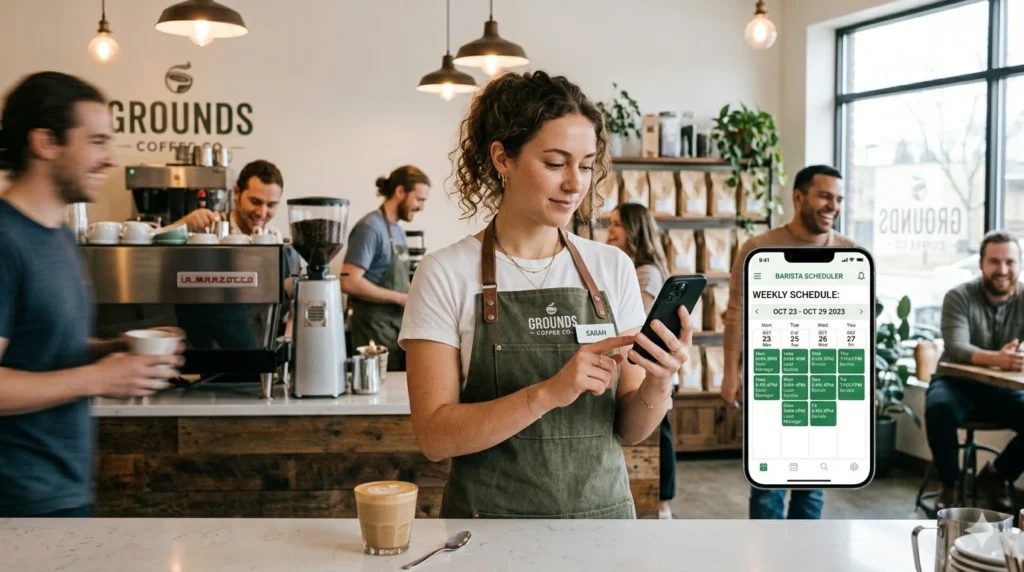
Once logged into the app, your home screen will typically display your next scheduled shift. By navigating to the “Schedule” or “Calendar” tab, you can view your shifts for the next two weeks. The system is designed to provide “predictive staffing,” which helps you plan your personal life around the store’s forecasted busy periods.
Notifications and Updates.
One of the primary benefits of using the app is the push notification system. If a manager makes a manual adjustment to the schedule or if a coworker requests a shift swap, you will receive an immediate alert on your device. This reduces the need for “relentless communication” via informal third-party group chats, which the company has moved away from in favor of official channels.
Clock-In and Time Tracking
The starbucks partner hours Teamworks system also serves as your digital time clock. While many partners still use the in-store “Point of Sale” (POS) system to punch in, the app allows you to view your “punches” to ensure they are accurate. If you notice a discrepancy, such as a missed meal break or an incorrect clock-out time, you can flag it for your manager to correct before the payroll deadline.
How to Swap Shifts Using Teamworks.
The flexibility to manage your own hours is one of the most cited reasons partners value the digital scheduling system. The “Shift Marketplace” within the app allows for a level of autonomy that was previously impossible in retail.
Picking Up Open Shifts.
When a store has “gaps in the market”—shifts that are unassigned due to absences or increased traffic forecasts—they appear as “Open Shifts” in the marketplace. Any partner who is not already scheduled during that time and who has the required training can “claim” these hours.
This is particularly useful for partners looking to reach the 20-hour-per-week threshold required for health insurance and the Starbucks College Achievement Plan.
“Borrowed Partner” Opportunities.
The system also allows you to see open shifts at other stores within your district. If your “home store” is overstaffed but a nearby urban hub is facing a 20% labor shortage, you can pick up a shift there as a “borrowed partner”. This not only helps you maximize your hours but also allows you to experience different store environments, such as high-traffic Reserve Roasteries or suburban drive-thrus.
Manager Approvals.
It is important to note that while the app facilitates the request, a shift swap is not finalized until it is approved by a manager. The system automatically checks for “red flags,” such as a partner exceeding 40 hours in a week (which would trigger overtime pay) or a barista attempting to pick up a shift that requires Shift Supervisor (SSV) credentials.
Common Starbucks Teamworks Login Problems and Fixes.
Technical glitches can be a significant source of frustration, especially during the 15-day Master Mastery period where new employees are already facing a 25% error rate in learning rigid protocols.
Password Issues and Resets.
If you are unable to log in, the most frequent culprit is an expired password. For security reasons, Starbucks requires partners to update their passwords every 90 days. If you are locked out, you can use the “Forgot Password” link on the login page or access the Enterprise Help Desk at (800) 782-7282.
“Incorrect User Configuration” Errors.
This error usually occurs when your partner ID has not been fully synced with the WorkJam platform. This is common for new hires or those who have recently transferred between company-operated and licensed stores. To fix this, try clearing your app cache or uninstalling and reinstalling the app. If the problem persists, your Store Manager will need to contact the Global Technology Center to “push” your profile through the system.
Schedule Not Loading.
During periods of high server traffic—usually on Monday mornings when the new schedule is released—the app may be slow to load. In these cases, it is best to wait a few minutes or try logging in via the desktop portal, which often has a more stable connection to the Blue Yonder backend servers.
Benefits of Using Starbucks Partner Hours Teamworks.
The implementation of starbucks partner hours Teamworks is a key part of the company’s “Reinvention Plan,” which focuses on making Starbucks the “best job in retail”.
- Convenience: Partners no longer have to call the store or drive in just to check when they work next.
- Transparency: Every partner has a clear view of how labor is being distributed, reducing perceptions of unfairness in scheduling.
- Work-Life Balance: By being able to swap shifts and request time off two weeks in advance, partners can manage their education, family commitments, and mental health more effectively.
- Communication: The app bridges the gap between store-level partners and corporate leadership, fostering a “culture of belonging” where everyone has a voice.
Tips for Starbucks Partners to Manage Hours Efficiently.
To get the most out of the starbucks partner hours Teamworks system, consider the following best practices:
- Sync Your Calendar: Use the app’s internal tools to sync your Starbucks shifts with your personal Google or Apple calendar. This ensures you never miss a shift and helps you plan your personal life around your “Third Place” commitments.
- Set Your Availability Early: Your “Permanent Availability” is what the scheduling algorithm uses to place you in shifts. If your school schedule changes, update your availability in the app immediately to avoid being scheduled during class.
- Monitor the Marketplace Daily: Open shifts are often claimed within minutes of being posted. If you need extra hours to pay for “affordable luxuries” or house payments, make it a habit to check the Marketplace every morning.
- Use the “Time Off” Feature Correctly: Requesting time off for a “Career Coffee Break” or personal vacation must be done at least three weeks in advance to allow the manager to adjust the labor forecast.
- Stay Updated via the Hub: Use the Partner Hub to keep track of new product launches (20+ annually) so you are prepared for the “rigid protocols” and 14-step preparation rules associated with new beverages.
Frequently Asked Questions
For technical issues with the app or login failures, partners should call the Enterprise Help Desk at (800) 782-7282.
Yes. You can browse and claim open shifts at any store within your district as a “borrowed partner,” provided you have the correct training.
The system typically releases the schedule two weeks in advance. Some managers may post it earlier, but the app will notify you the moment it is finalized.
This is a common syncing error. Try reinstalling the app or contact the Partner Contact Center (PCC) at (888) 728-9411 for a profile reset.
While the scheduling app is primarily for hours, you can access your total compensation and equity rewards, such as Bean Stock, through the Partner Central link within the app’s resources section.
Yes, once you link your 7-digit partner ID to your personal Starbucks Rewards account, your 30% discount will automatically apply to mobile orders made through the app.