The Starbucks Coffeegear portal for Partner Benefits
For any Starbucks partner, the green apron is more than just a piece of fabric; it is a symbol of craft, connection, and a commitment to nurturing the human spirit. However, as every barista knows, what you wear under and on that apron matters just as much for both comfort and compliance.
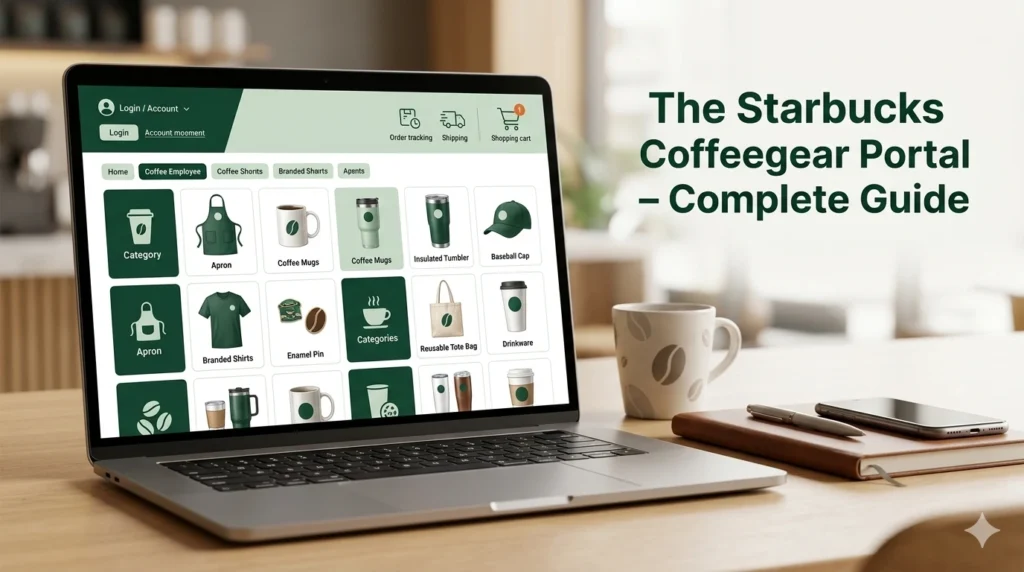
This is where the Starbucks Coffeegear portal becomes an indispensable part of your professional life. Whether you are looking for that perfect moisture-wicking black polo for a busy summer peak or a commemorative pin to celebrate a milestone, this official platform is your gateway to the Starbucks brand identity.
Navigating the digital workplace as a partner can sometimes feel as complex as a customized Frappuccino order. Between the Partner Hub, Partner Central, and various scheduling apps, it is easy to lose track of where to go for what.
This guide is designed to be the ultimate informational resource for the Coffeegear Starbucks portal, ensuring you can leverage your Starbucks benefits, dress to impress within the official guidelines, and troubleshoot any technical hurdles along the way.
What Is the Starbucks Coffeegear Portal?
The Starbucks Coffeegear portal is the company’s official, dedicated e-commerce platform designed exclusively for its workforce. Officially categorized under the “Company Perks” section of the comprehensive partner benefits package, it serves as the authorized retail destination for Starbucks-branded apparel, gear, and accessories.
The primary purpose of the portal is to provide partners with “Starbucks approved dress code options”. In a high-stakes retail environment where health, safety, and brand consistency are paramount, having a centralized shop for approved gear takes the guesswork out of your morning routine.
The items found here are specifically curated to meet the company’s rigorous standards for the workplace.
Beyond mere utility, the portal is a hub for brand pride. It allows partners—who are considered the “heart and soul” of the brand—to purchase exclusive merchandise that isn’t available to the general public, fostering a sense of belonging and shared success.
Who Can Access the Starbucks Coffeegear Portal?
Access to the Starbucks Coffeegear portal is a privilege reserved for those currently contributing to the “limitless possibilities of human connection” within the company.
Partner Eligibility:
Active partners, including baristas, shift supervisors, and management personnel in company-operated stores across the U.S. and Canada, have full access to the portal. Because the platform is linked to your official employment records, your eligibility is automatically verified during the login process.
Licensed Store Access:
Partners working at licensed locations (such as those inside grocery stores, airports, or hospitals) may have different access protocols depending on their specific employer’s agreement with Starbucks. Generally, if you possess a Starbucks Global Username or Network ID, you can navigate the portal, though shipping and payment options may vary for licensed vendors.
Access Limitations:
It is important to note that the portal is strictly for internal use. Customers or former employees do not have access to these partner-exclusive items. This exclusivity ensures that official “Starbucks Partner” gear remains a unique identifier for those currently behind the bar.
How to Login to the Starbucks Coffeegear Portal.
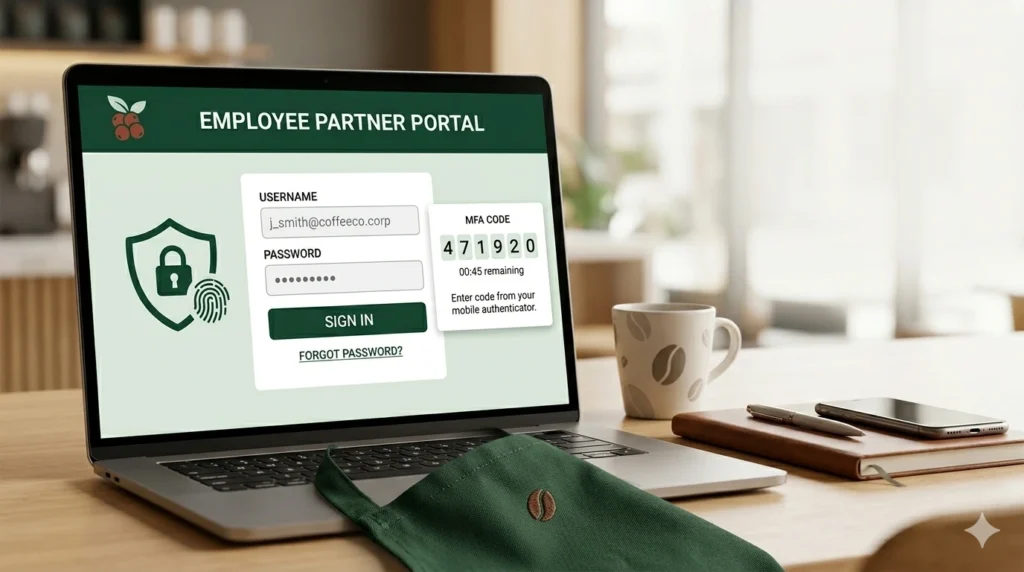
Logging into the Starbucks Coffeegear portal is designed to be seamless, utilizing the company’s Single Sign-On (SSO) architecture. This means you don’t need to memorize a separate set of credentials for your shopping experience.
Step-by-Step Login Instructions:
- Navigate to the Official Site: You can access the portal via the Starbucks Official Website under the partner benefits section or by searching for it directly on the Partner Hub.
- Enter Your Global ID: On the “Welcome” screen, you will be prompted to enter your Global Username or Network ID. For retail partners, this is typically your country code followed by your 8-digit partner number (e.g., US12345678).
- Password Entry: Input your current network password. This is the same password you use to check your schedule on the Partner Hours app or access Partner Central.
- Security Questions/MFA: If you are logging in from a new device or a non-store network, you may be asked to complete multi-factor authentication or answer security questions you established during onboarding.
What is Global ID?
A Global ID, officially referred to as a Global Username, is a unique digital credential assigned to Starbucks partners during the onboarding process.
- Internal Links: You can also find a direct link to this store by logging into the My Partner Links directory and looking under the “Company Perks” or “Partner Resources” sections.
Troubleshooting Access Issues:
If you encounter a “login loop” or authentication failure, first visit the self-service password portal at id.starbucks.com/password to ensure your credentials haven’t expired. Browser compatibility is also a common factor; the portal performs best on updated versions of Google Chrome or Safari. If the page refuses to load, try clearing your browser’s cache and cookies to remove any corrupted session data.
What Can You Buy from the Starbucks Coffeegear Portal?
The inventory on the Starbucks Coffeegear portal is vast and regularly updated to reflect seasonal trends and new brand initiatives.
Uniforms and Dress Code Apparel.
The most frequent use of the portal is for purchasing tops that comply with the official Dress Code Policy. Approved items include:
- Solid Black Tops: You can find short and long-sleeved shirts, including layered options, that are explicitly permitted to be worn under your apron.
- Starbucks-Issued Shirts: Any black Starbucks-issued shirt purchased through Coffeegear is an approved top.
- Outerwear: The portal offers solid black lightweight jackets and crew neck sweatshirts that meet the requirement of having manufacturer logos no larger than two inches.
Aprons and Inclusive Sizing:
While your first two aprons are typically provided upon hire, the portal allows you to order replacements. Notably, Starbucks recently introduced inclusive apron sizes for both the standard green and black aprons, which can be sourced through these partner tools to ensure every body type is accommodated comfortably.
Accessories and Pins:
Pins are a major part of “flair” at Starbucks. The portal offers:
- Recognition Pins: Commemorative pins for years of service or special achievements.
- Partner Network Pins: Gear that celebrates diversity and inclusion groups within the company.
- Size Standards: All pins available on the portal meet the 1.75 x 1.75-inch size requirement for store safety.
Merchandise and Seasonal Gear:
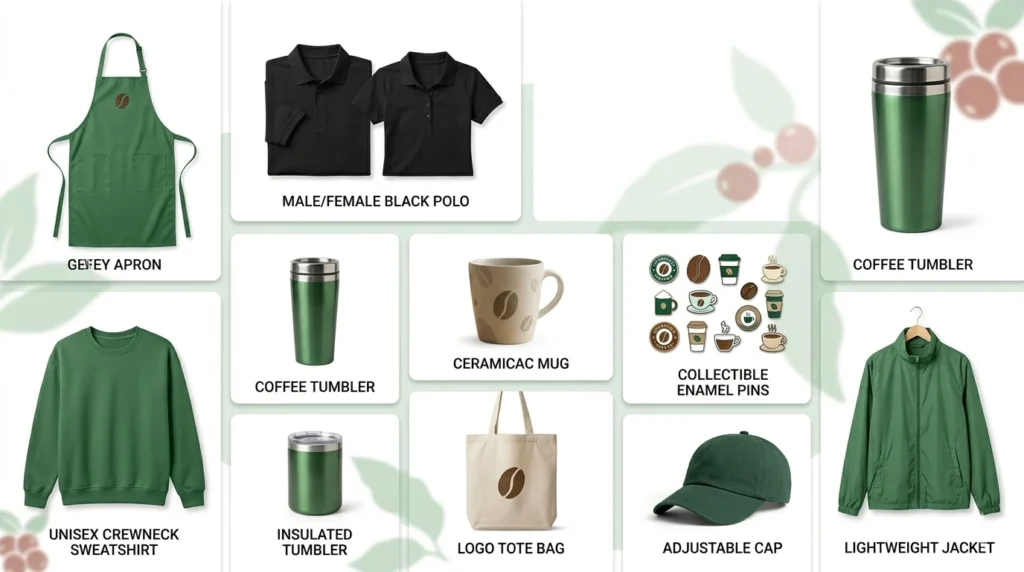
Beyond clothing, partners can purchase branded mugs, tumblers, and seasonal merchandise that often features unique designs not found in retail stores. This includes commemorative items for events like “Leadership Experience” or the launch of new coffee blends like the “Green Apron Blend”.
Shipping, Returns, and Store Policies:
When ordering from the Starbucks Coffeegear portal, it is vital to understand the logistical policies to ensure a smooth delivery experience.
Shipping Information:
The portal offers various shipping tiers to accommodate both urgent needs and cost-effective delivery. Partners can typically choose between standard and expedited shipping. For detailed information on rates and international availability, please visit the official Shipping Information page.
Store Policy and Returns:
Because the gear sold is for professional use, there are specific guidelines regarding returns and exchanges. Generally, items must be in new, unwashed condition with tags attached. Some personalized or custom-embroidered items may be final sale. For the full legal breakdown of your rights as a consumer on this platform, refer to the Store Policy.
Terms of Use:
By using the portal, partners agree to abide by the company’s standards of conduct. This includes not reselling exclusive partner merchandise on third-party sites, which can be a violation of the Standards of Business Conduct regarding the protection of intellectual property.
Common Starbucks Coffeegear Portal Problems and Fixes:
Technical glitches can occur even in the most robust systems. Here are the most frequent issues partners face on the Starbucks Coffeegear portal:
- Login Loop: This often happens if your password has expired in the main system but hasn’t yet synced with the portal. Fix: Reset your password at
id.starbucks.com/passwordand wait 30 minutes before trying again. - Checkout Errors: If you cannot complete a purchase, it may be due to an outdated address on your profile. Fix: Ensure your personal information in Partner Central is up to date.
- Page Not Loading: This is common on mobile devices with poor connectivity. Fix: Switch from store Wi-Fi to cellular data for a more stable enterprise handshake.
- Payment Issues: Ensure you are using a supported payment method. Many partners use the SIREN card for seamless transactions within the Starbucks ecosystem.
For persistent technical failures, you should Contact Us or call the Enterprise Help Desk (EHD) at 888-SBUX-411, as they handle IT-related enrollment and login failures.
Benefits of Using the Starbucks Coffeegear Portal
Utilizing the Starbucks Coffeegear portal offers several distinct advantages over buying generic black workwear from external retailers.
Guaranteed Approval:
One of the biggest stressors for new partners is the fear of being “out of dress code.” When you shop at the portal, every item is pre-vetted to meet Starbucks’ safety and aesthetic standards. This means you’ll never be sent home because your shirt’s logo is too large or the material is not work-appropriate.
Convenience and Payroll Integration
The portal is designed for the busy life of a barista. It is accessible 24/7 from your smartphone, allowing you to order gear during your commute or break. Additionally, the platform often integrates with partner-only discounts, ensuring you get the best price on your work wardrobe.
Partner Exclusives
Some of the most sought-after items, such as commemorative aprons or specialized Partner Network gear, are only available through this portal. Using the portal allows you to own pieces of Starbucks history and express your unique identity within the “Cyber Third Place”.
Final Thoughts on the Starbucks Coffeegear Portal
Mastering the Starbucks Coffeegear portal is a small but vital step in streamlining your partner experience. By providing a secure, authorized, and convenient way to manage your work wardrobe, the portal allows you to focus on what truly matters: the craft of coffee and the joy of the customer connection.
Whether you are looking to replace a worn-out apron, find a dress-code-approved jacket for those early morning opens, or simply want to wear your “Partner” status with pride through an exclusive pin, the portal is your one-stop shop.
Stay updated on seasonal launches, keep your login credentials current, and never hesitate to reach out to the Enterprise Help Desk if technology gets in the way of your next great shift. Your journey as a partner is unique, and having the right gear is the first step in making it a successful one.